
Published on September 9, 2026 Uncategorized
QuadSpinner’s Gaea 3: First Look
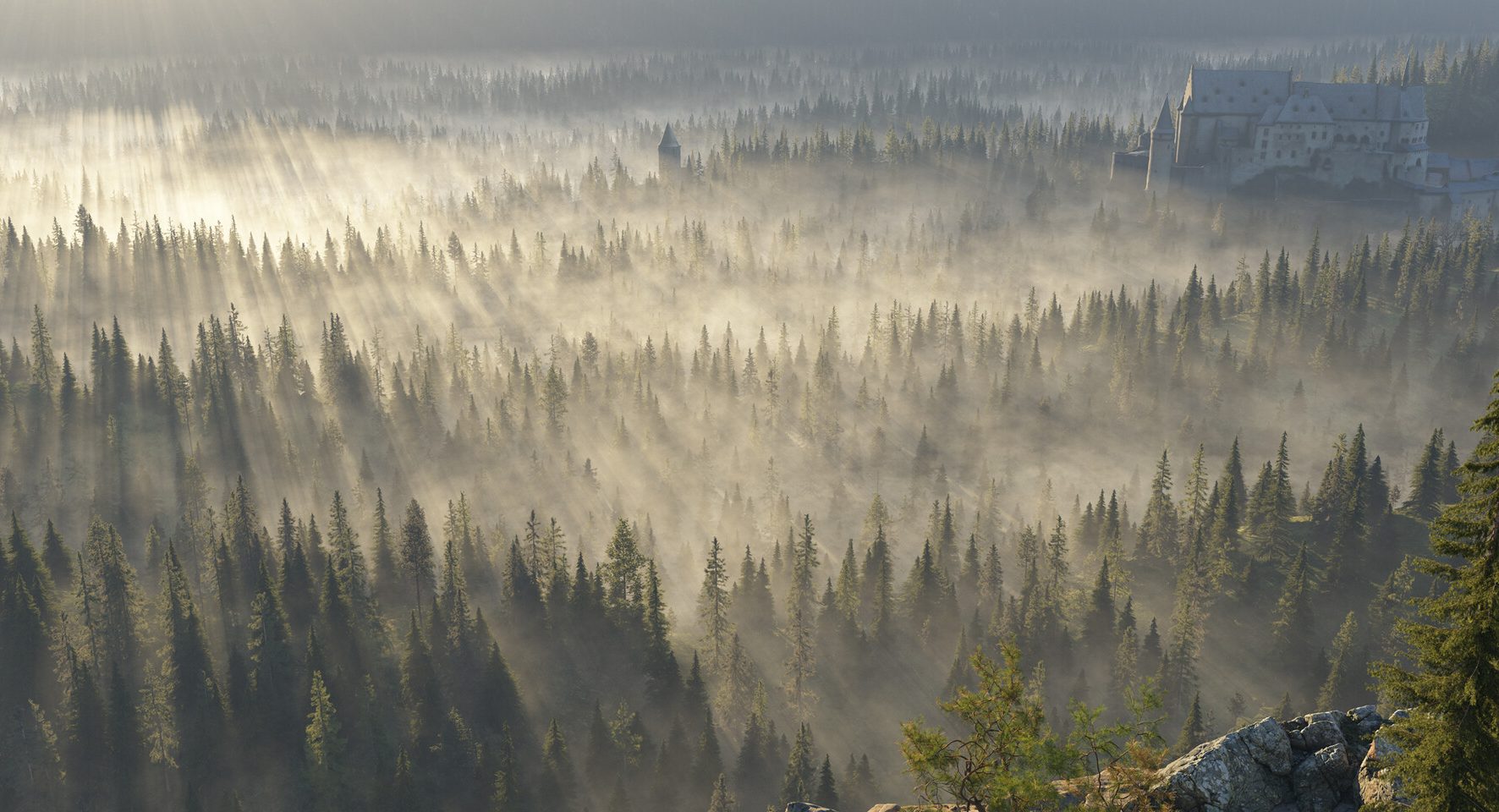
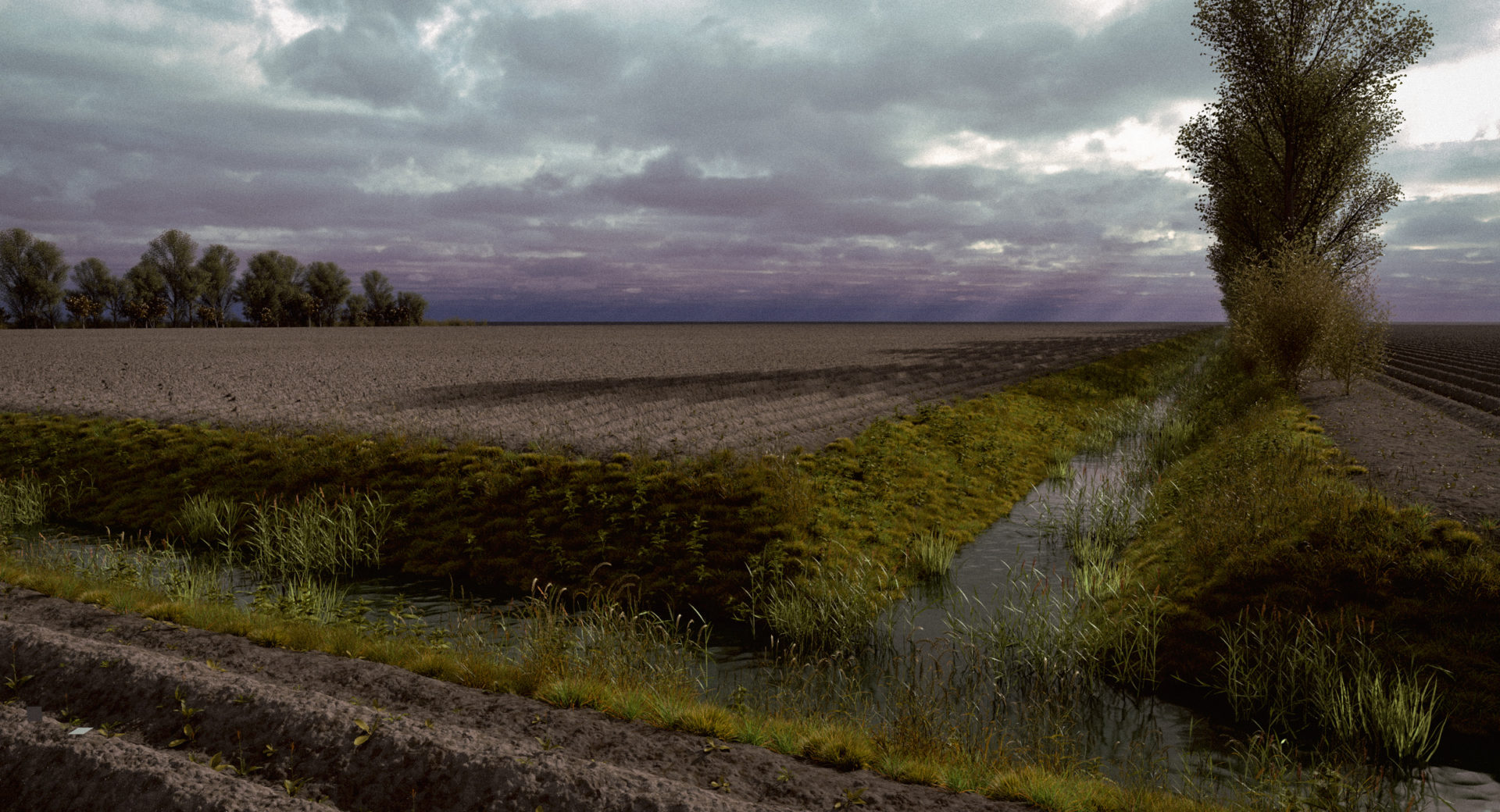
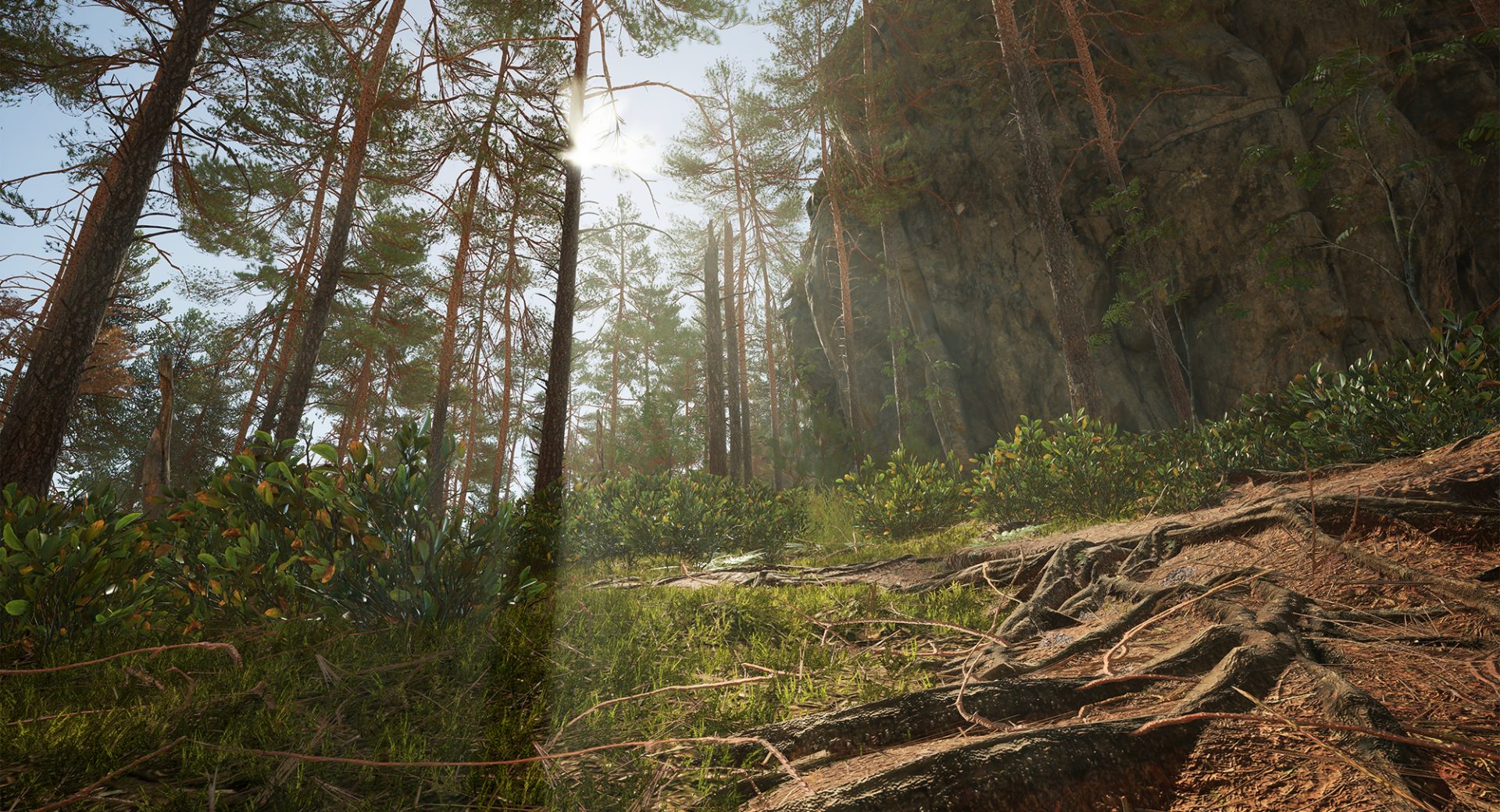
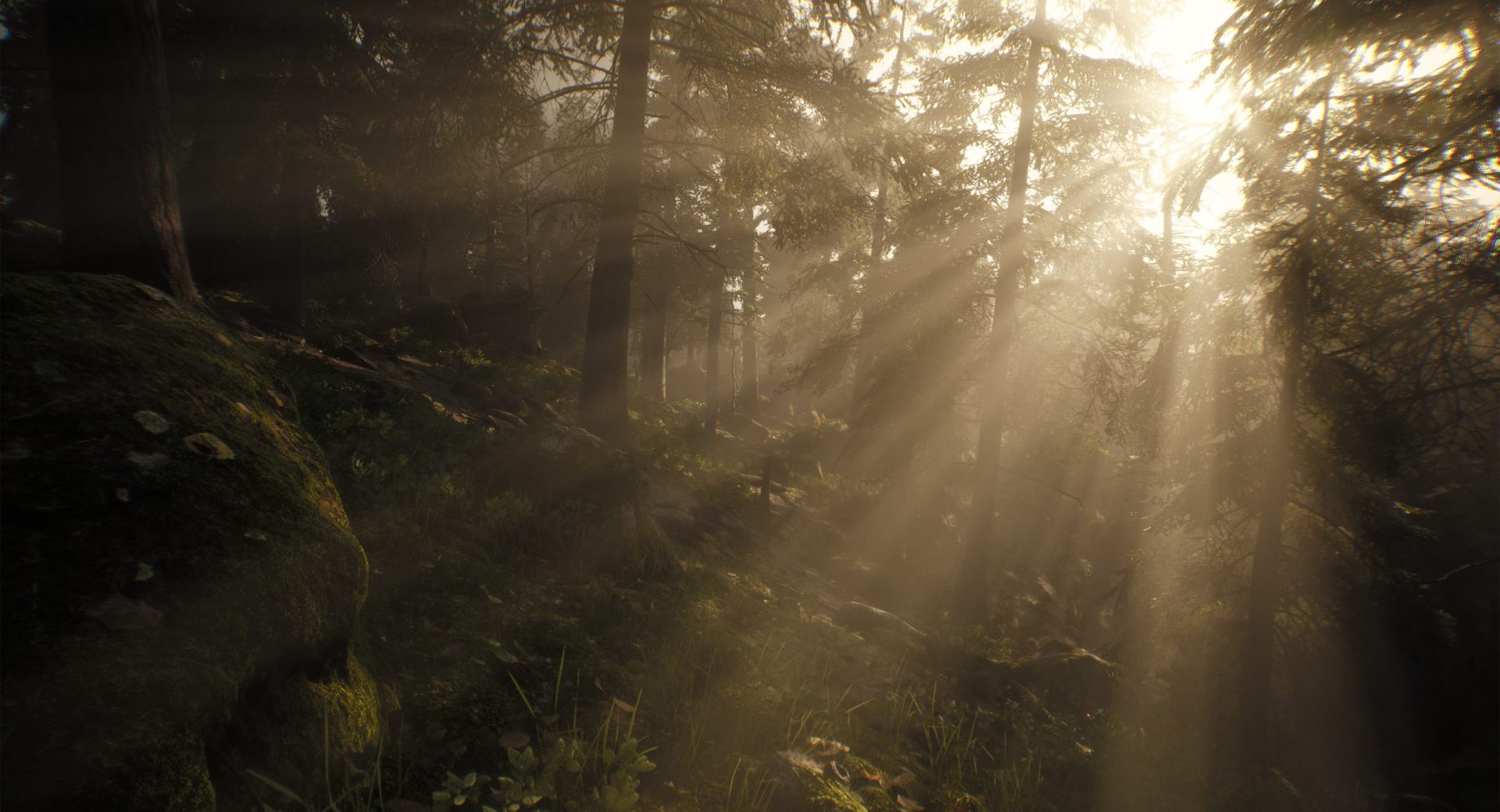
If you were an existing Gaea 2 user, on Aug 27th you were greeted with an email from Quadspinner with a download link to the much anticipated Gaea 3 early access. Thankfully we we were lucky enough to be one of the lucky ones. After spending about 2 weeks with Gaea 3, it’s pretty clear that QuadSpinner has done a lot more than just add a few new features to Gaea 2. This feels like a pretty significant change to the way you build and work with terrain. If you’ve used Gaea before, you’ll immediately recognize the node-based workflow. That part hasn’t gone away, but quite a bit around it has changed. Gaea 3 has a redesigned interface, a new viewport, better visualization, and a number of new tools for actually creating and shaping terrain. Since the software is still in Early Access, there are also areas that are clearly still being worked on, but there’s enough here to get a good idea of where QuadSpinner is headed. One of the things that caught my attention is the way Gaea 3 handles larger environments. Instead of being limited to thinking about a single terrain tile, the new world-space workflow makes it possible to work on much larger landscapes. For anyone creating environments for games, film, animation, or virtual production, this could end up being one of the most useful additions to the program. The new simulation tools are also worth mentioning. The sand simulation, in particular, is a lot of fun to experiment with. You can use it for small details like wind-blown sand, or push it further to create much larger dune formations. The river tools are another welcome addition. Being able to guide the general direction of a river and then let the procedural system develop the details produces some pretty convincing results without having to manually build everything. I also like the fact that Gaea 3 gives you more ways to directly interact with the terrain. The drawing and vector tools make it easier to lay out things like roads, rivers and lakes exactly where you want them. That balance between procedural generation and actually being able to “get in there” and make adjustments is important. Sometimes you want the computer to do the heavy lifting, and other times you just need to tell it exactly what you want. The new Progressive Preview system is another nice improvement. Large terrains can take time to calculate, so getting an initial preview and watching it refine as the calculation continues makes testing different ideas much less frustrating. Gaea 3 is also starting to look more like a complete production tool rather than simply a terrain generator. USD support, improved connections to other applications and game engines, point-cloud workflows, and the planned SDK all point toward Gaea becoming a more important part of a larger production pipeline. There is one thing to keep in mind, though: Gaea 3 is still Early Access. Some features aren’t finished, and things will undoubtedly change as development continues. I wouldn’t look at it as a completely finished replacement for Gaea 2 just yet.
Overall, I’m impressed with the direction QuadSpinner has taken. Gaea 3 keeps the procedural workflow that made the software popular while giving artists considerably more control over how their environments are created.
For existing Gaea users, there’s going to be a learning curve, but the basic philosophy of the software remains familiar. For someone new to Gaea, this could be a very powerful tool for building everything from relatively simple landscapes to huge environments intended for cinematic or game production.
GAEA 3 Home Page HERE
Get Gaea HERE
Quadspinner’s GAEA Community HERE
Quadspinner YouTube, Product review and Tutorials HERE