
Published on September 4, 2026 News & Announcements
Polygonflow Dash for Unreal Engine: Review

Polygonflow Dash for Unreal Engine: A Faster Way to Build 3D Worlds
Anyone who has spent time building environments in Unreal Engine knows how quickly the small tasks start adding up. Placing rocks, scattering vegetation, building roads, adding cables and vines, dressing a landscape, and organizing assets can take hours before you even get to the creative part of the job. That is where Polygonflow Dash becomes a valuable tool for Unreal Engine artists. Dash is designed to make environment creation faster and more interactive by bringing scattering, procedural modeling, physics-based placement, asset management, and other useful tools into one workflow. For me, the biggest advantage is being able to get an idea into the scene quickly and then spend my time refining it rather than constantly setting things up.
Scattering Made Easier
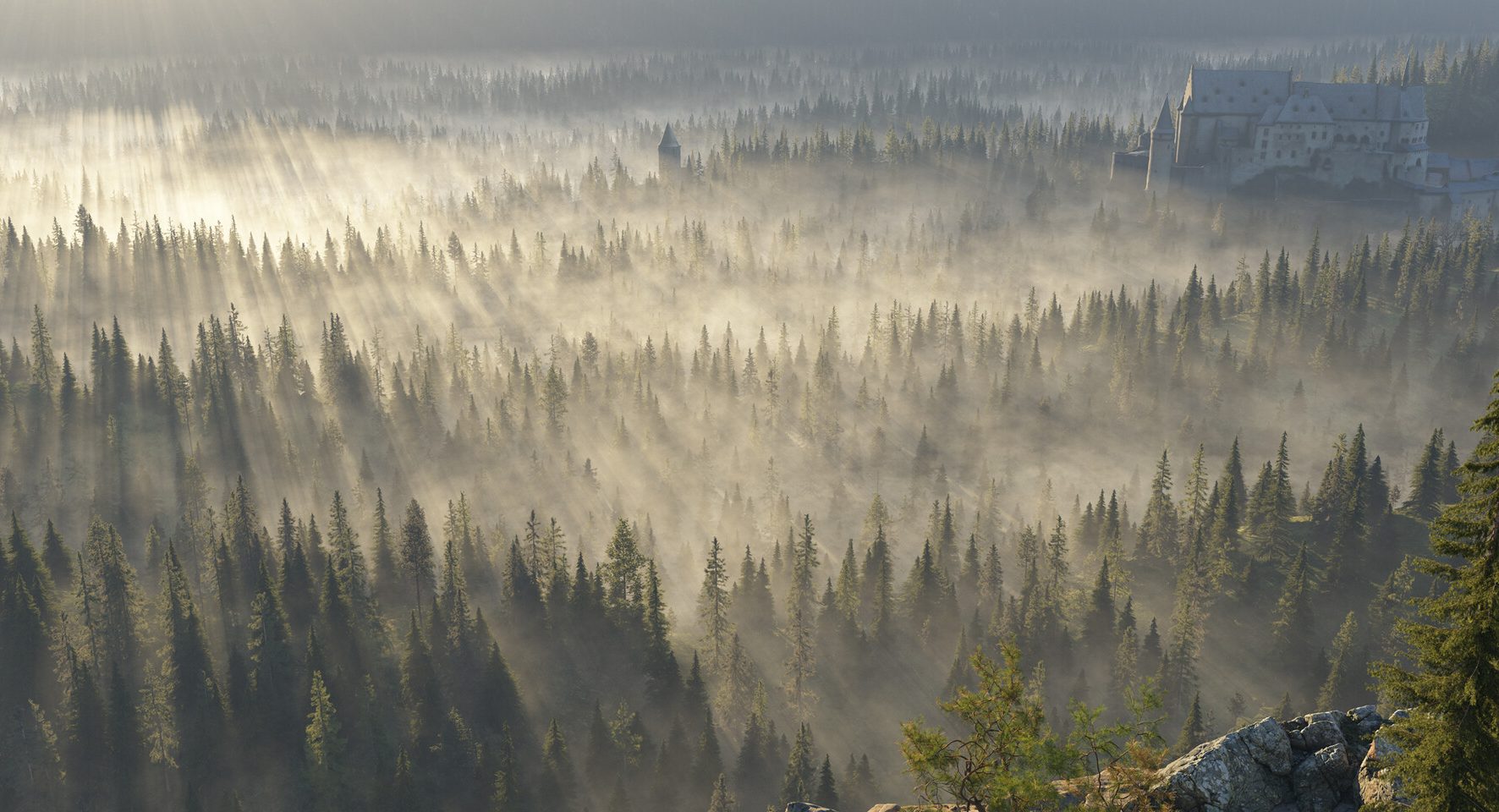
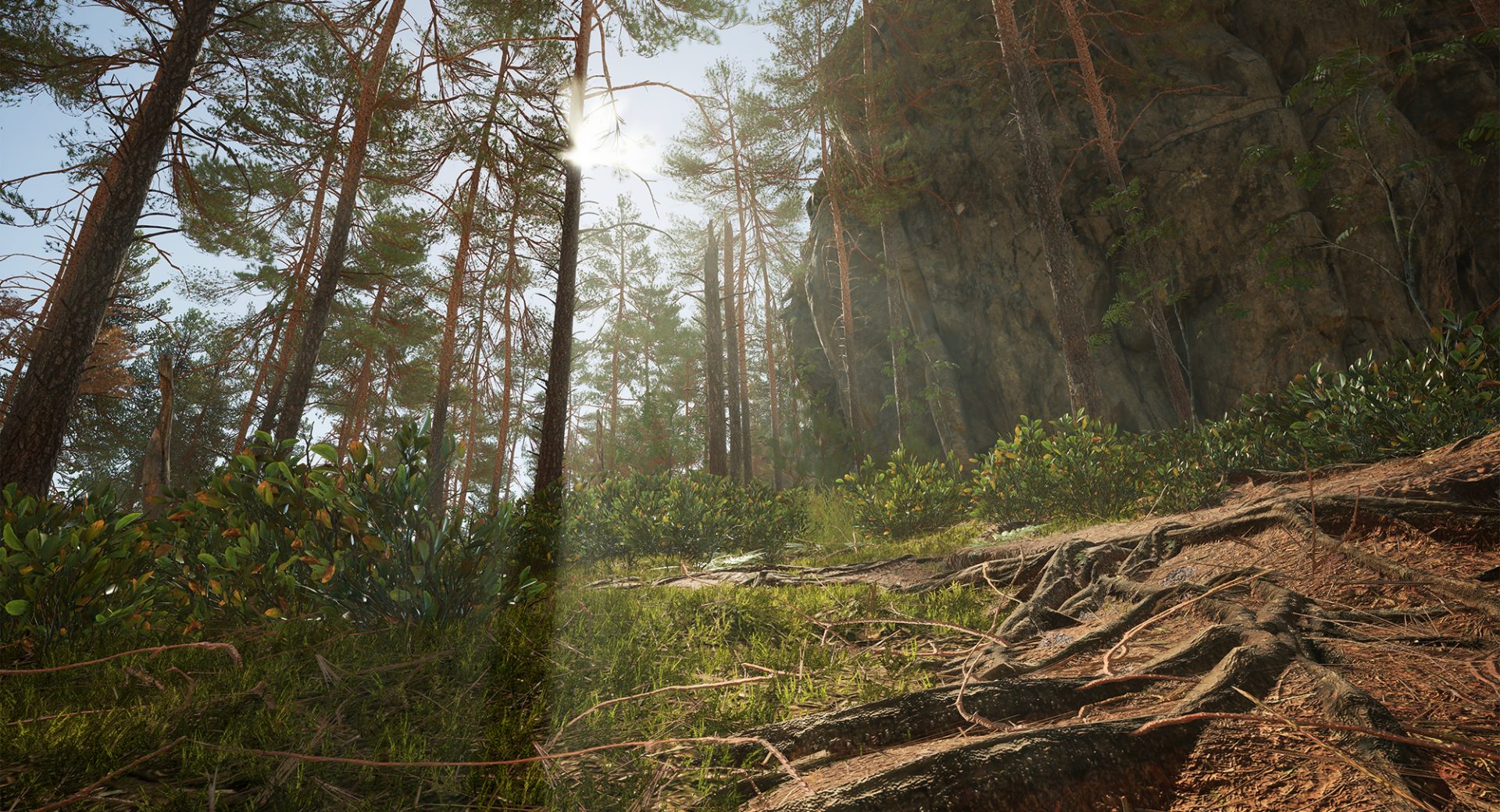
Scattering is one of Dash’s strongest features. Instead of manually placing hundreds of rocks, trees, plants, or other environmental assets, you can distribute them across a surface and control exactly where they appear. Dash’s masking tools allow you to control distribution using factors such as height, slope, proximity, noise, clumping, landscape layers, textures, and vertex colors. This gives you much more control than simply scattering objects randomly. Trees can be kept away from roads, rocks can be concentrated on steep terrain, and smaller vegetation can be placed beneath larger trees. The result is an environment that feels more naturally designed without having to manually position every object. Less Setup, More Creating – Unreal Engine’s PCG system is extremely powerful, but there are times when building a complete procedural setup is more work than the task itself requires. This is another area where Dash makes sense. Many of its tools work directly in the viewport, allowing you to make changes and immediately see the results. That makes experimentation much easier. If the vegetation is too dense, the rocks are too large, or the distribution doesn’t look right, you can adjust the settings rather than rebuild everything from scratch. For environment art, that ability to quickly experiment is a major advantage. Roads, Cables and Procedural Details
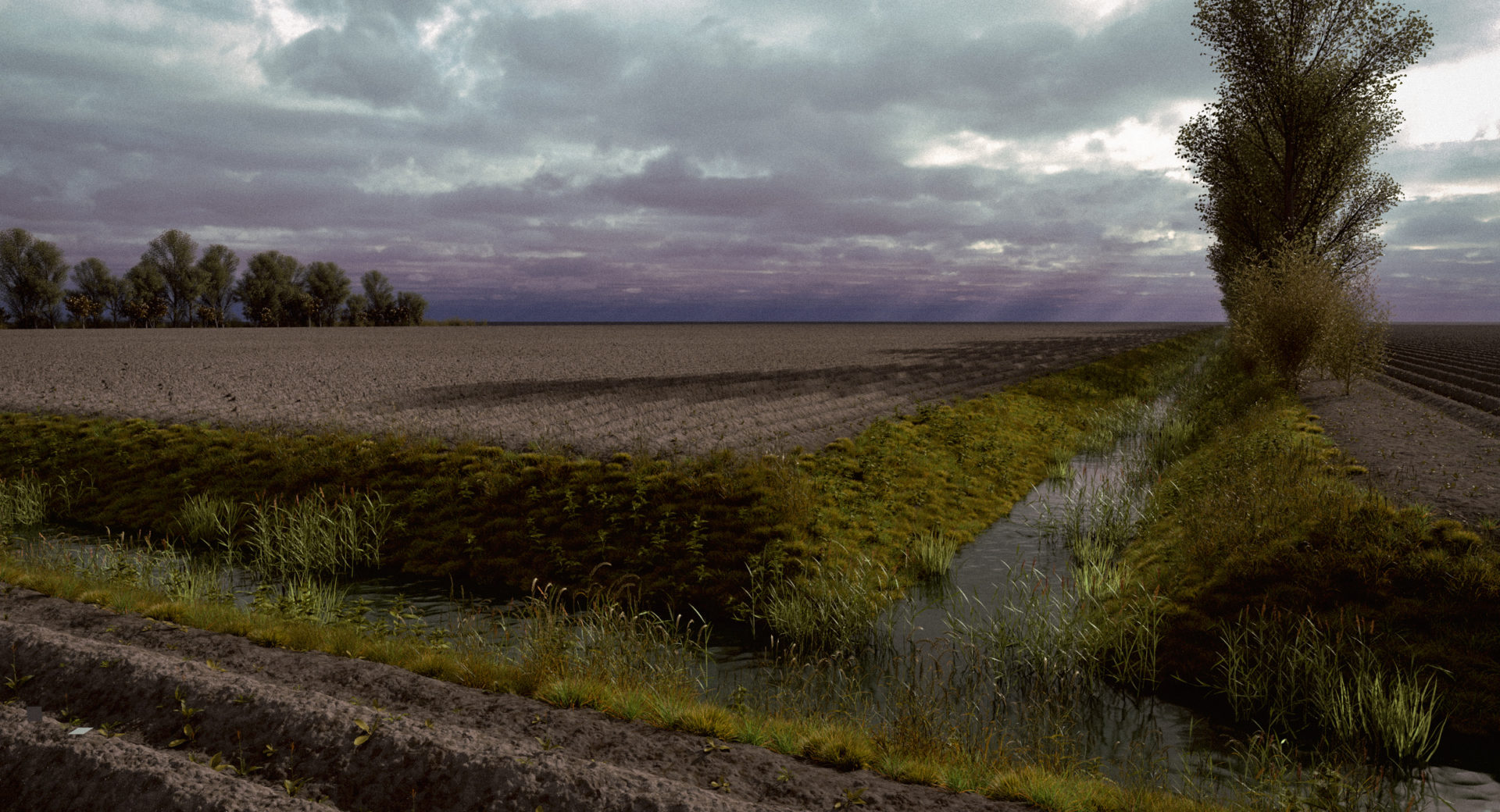
Dash isn’t limited to scattering. Its procedural tools can also be used for roads, cables, vines, and other elements that need to follow a path. Instead of manually modeling and adjusting these elements whenever the terrain changes, you can work with a path and let the geometry follow it. This can save a considerable amount of time, particularly in large environments where changes to the landscape are common.
More Natural Environment Dressing:
Dash also includes physics-based tools for placing objects such as rocks, logs, rubble, and debris. Rather than manually rotating and positioning every object, physics can help create a more natural arrangement. You can then make any final artistic adjustments yourself. This is particularly useful when you want an environment to feel less repetitive and less obviously hand-placed.
Asset Management and Presets
Finding assets can be just as time-consuming as placing them. Dash’s content browser and asset-management features help keep more of that process inside Unreal. Dash also provides access to PBR assets and integrates with resources such as Poly Haven, making it easier to find and use materials and environmental assets.
Presets provide another useful starting point. Instead of building every setup from scratch, you can start with an existing forest, rock, or cliff setup and customize it for your project.
Dash and Unreal PCG
I don’t see Dash as a replacement for Unreal’s PCG tools. PCG is extremely flexible and remains an excellent choice for complex procedural systems. Dash is more about having practical tools ready when you need them. The two approaches can easily complement each other. Use PCG when you need a highly customized system and Dash when you want to solve common environment-building tasks quickly.
Final Thoughts
The real benefit of Dash comes down to time. Environment art involves a lot of repetitive work, and every minute saved on placement, scattering, modeling, and setup gives you more time to concentrate on composition and creativity. Dash doesn’t replace the artist—and it shouldn’t. It simply removes some of the repetitive work and makes it easier to experiment, iterate, and build believable environments in Unreal Engine. Less time fighting the tools. More time creating the world.
POLYGON’S DASH Home Page
Perpetual, Subscription & Trial Versions Available GET DASH
Official DASH YouTube Page, Product Overview & Tutorials HERE
DASH Free Advanced Asset Manager
Advanced Asset Manager Video Review
DASH Asset Manager Download – FREE ON FAB